- 3GB · resumable uploads
- Drop in a full game or a single shift — uploads resume if the connection drops.
- ±2s · frame-accurate scrub
- Arrow keys jump 2 seconds, Shift + arrows 0.5, and playback snaps to saved frames.
- 0 signup · for players
- Players open a read-only share link — no account to create on their end.
Pause and draw
Pausing freezes the frame. Pen, straight lines, arrows, circles, rectangles and text — solid or dotted — stay pinned to the exact moment you paused on, and every object can be moved, resized, deleted, undone or redone.
Notes that auto-stop
Name the moments that matter and playback stops itself on each one, snapping precisely to the saved timestamp with the frame title on screen. Nothing gets skipped past, and you can switch auto-stop off any time.
Share one link
Send a read-only review link to your player. No account needed on their end — the drawings, frame titles and auto-stop behaviour all travel with the link.
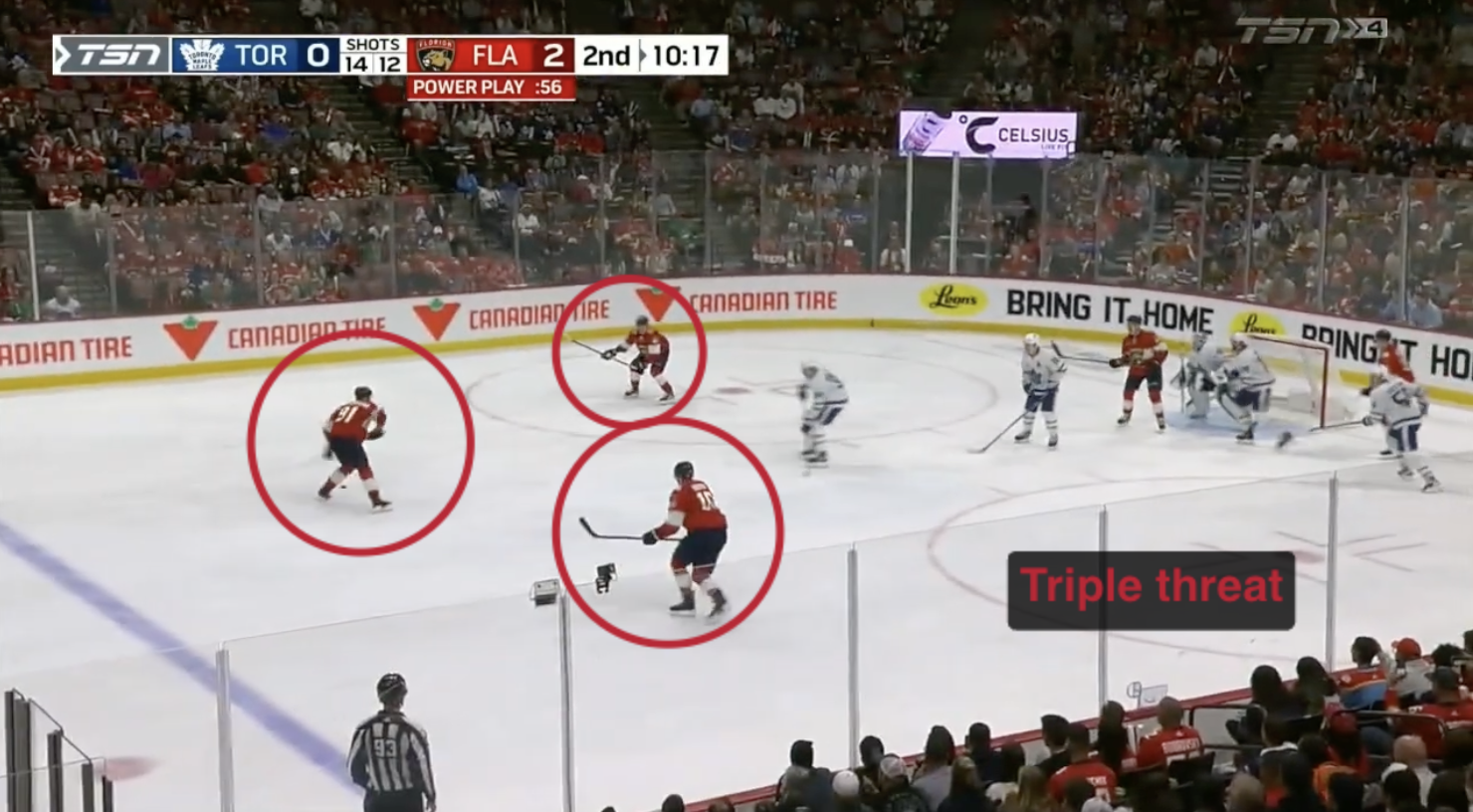
- Power-play triple threat0:24
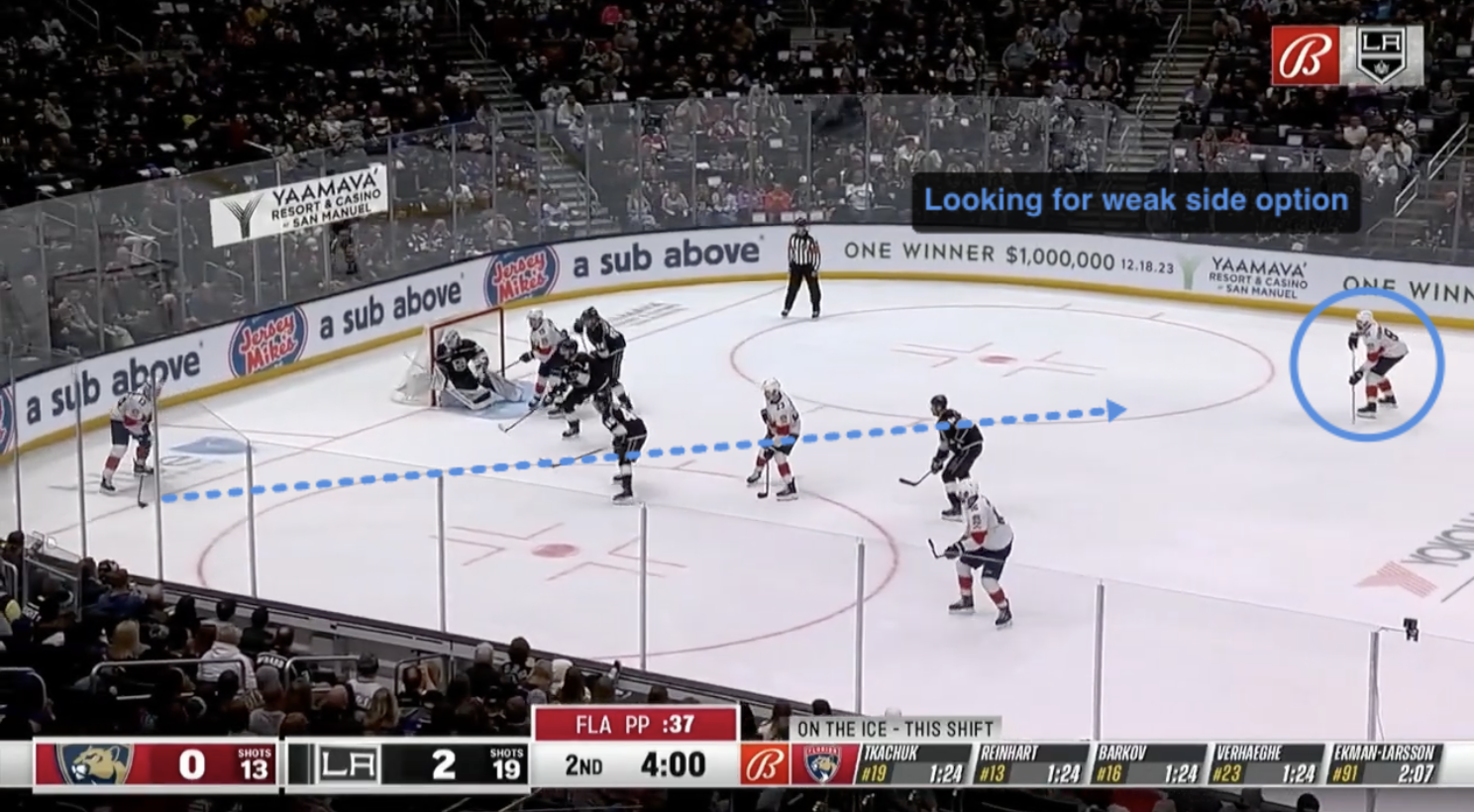
- Weak-side gap1:12
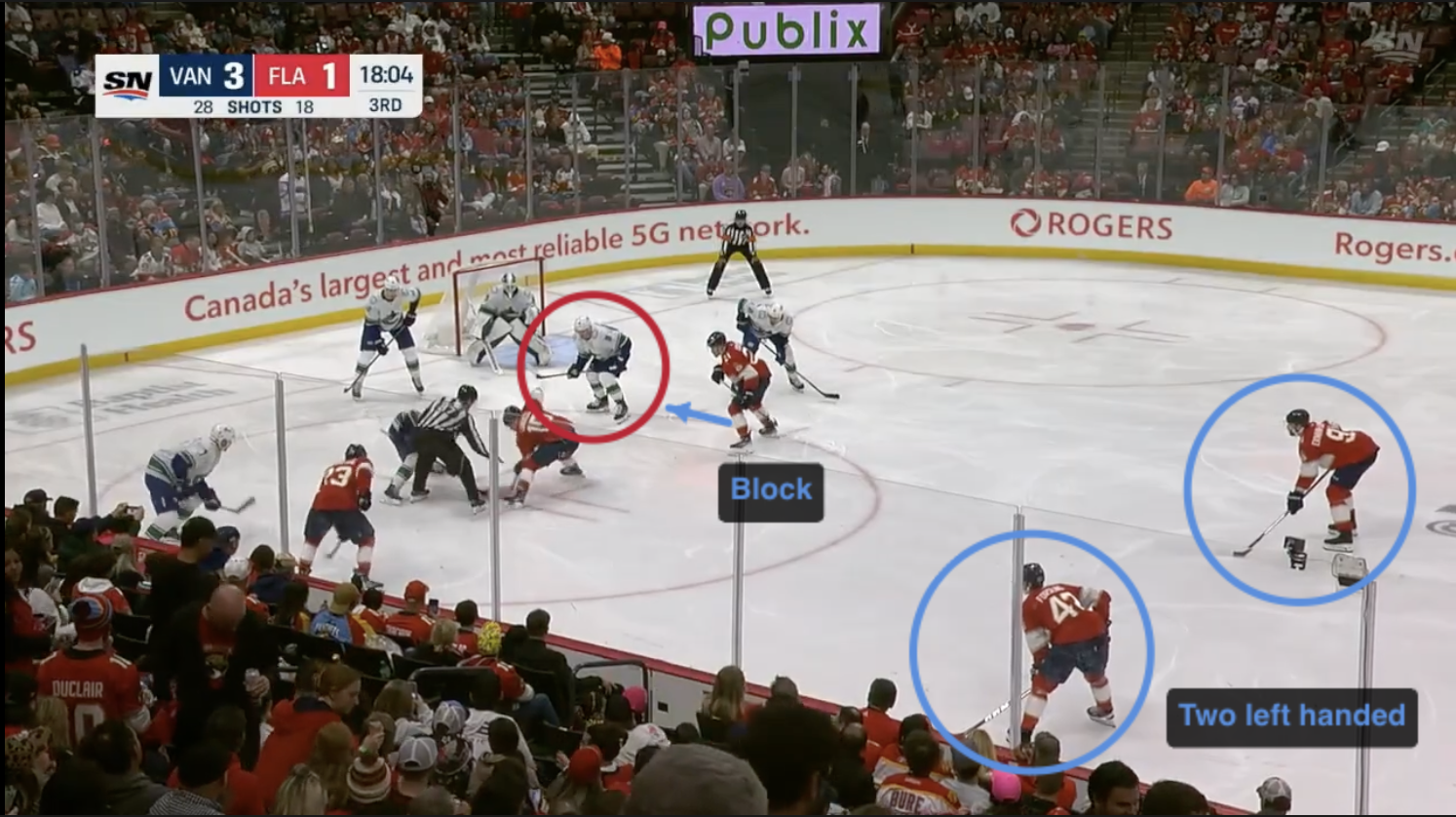
- Faceoff — two lefties1:48
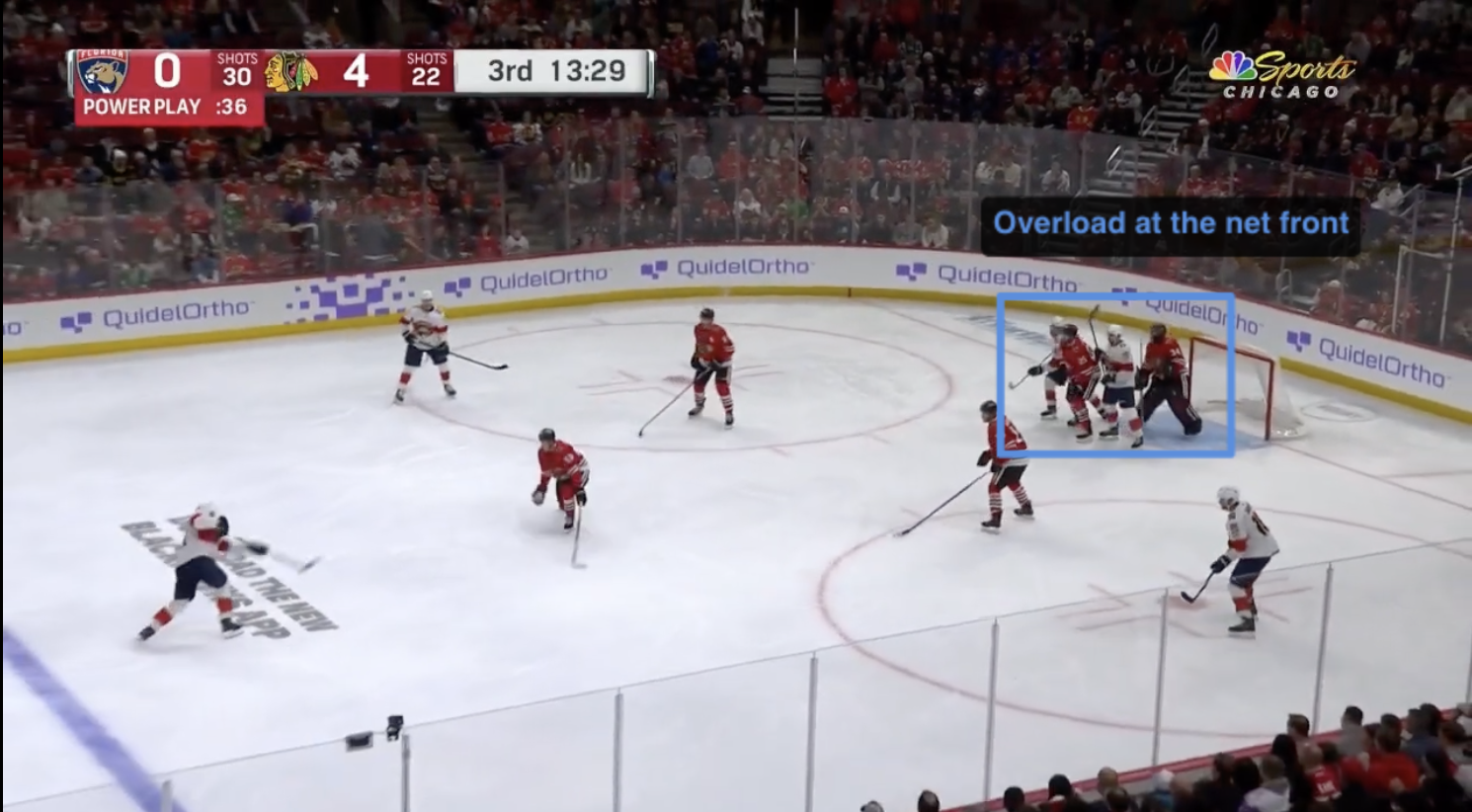
- Net-front body position2:31
Questions coaches ask
Is this free during the beta?
Yes. There's no billing in the product yet, so approved coaches use it at no cost while it's in private beta. If that changes, we'll tell you before it does.
Does my player need an account?
No. You send a share link and they open it in any browser, read-only. Only coaches need an approved account.
What video files can I upload?
Standard browser-playable video — MP4/H.264 is the safest bet, and MOV or WebM generally work too. Uploads go up to 3GB per clip and resume where they left off if your connection drops.
Is my footage private?
Yes. Clips and annotations are tied to your account and only reachable by you, unless you create a share link for a session — and share pages are excluded from search engines.